A1R

A1R — run your live show from Ableton Live, controlled from any phone, tablet or laptop

Run your live show from any device. A1R turns Ableton Live into a rock-solid setlist & section navigator — jump, loop, mix and read lyrics from your phone, tablet or laptop.

A1R MAX on an iMac
A1R MAX on an iPad
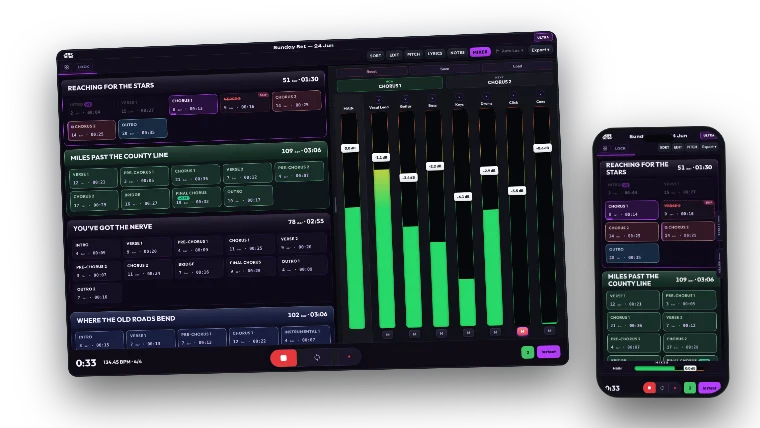
A1R MAX on a Windows laptop
A1R MAX lyrics on a phone
A1R CORE A1R LITE A1R PRO A1R MAX
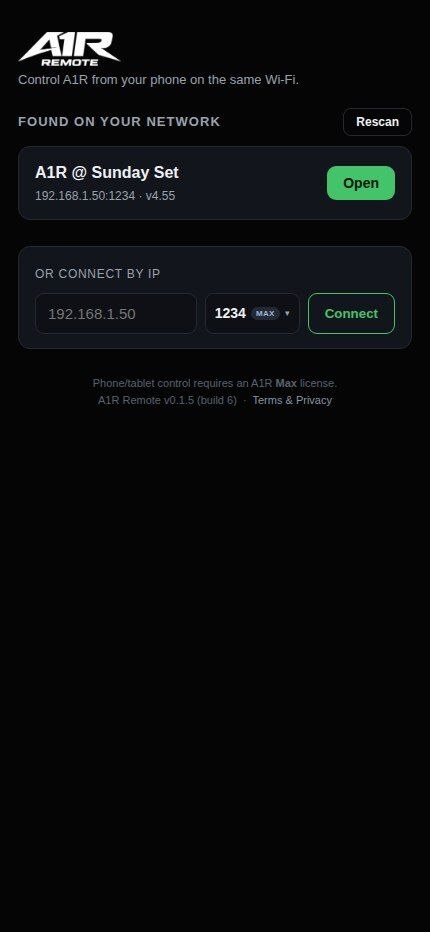
A1R Remote app on a phone
A1R REMOTE · ANDROID

Control A1R from your Android

A dedicated Android app to control A1R — scan the QR or connect by IP, then jump sections, loop, and ride the mix straight from your Android phone or tablet. Smoother than browser control.


Get it on Google PlayDapatkan di Google Play

Android only. Free on Google Play.

A1R on a phone
ANY DEVICE ALL TIERS

Run the show from your phone

A1R serves its interface over Wi-Fi, turning any phone, tablet, or laptop into your remote.

  • Phones, tablets & laptops
  • Nothing to install
  • Reorder your set live
SEE A1R IN ACTION

The interface you run on stage.

Every screenshot below is the real A1R UI — open it in the browser on your phone, tablet, or laptop. No install, no account.
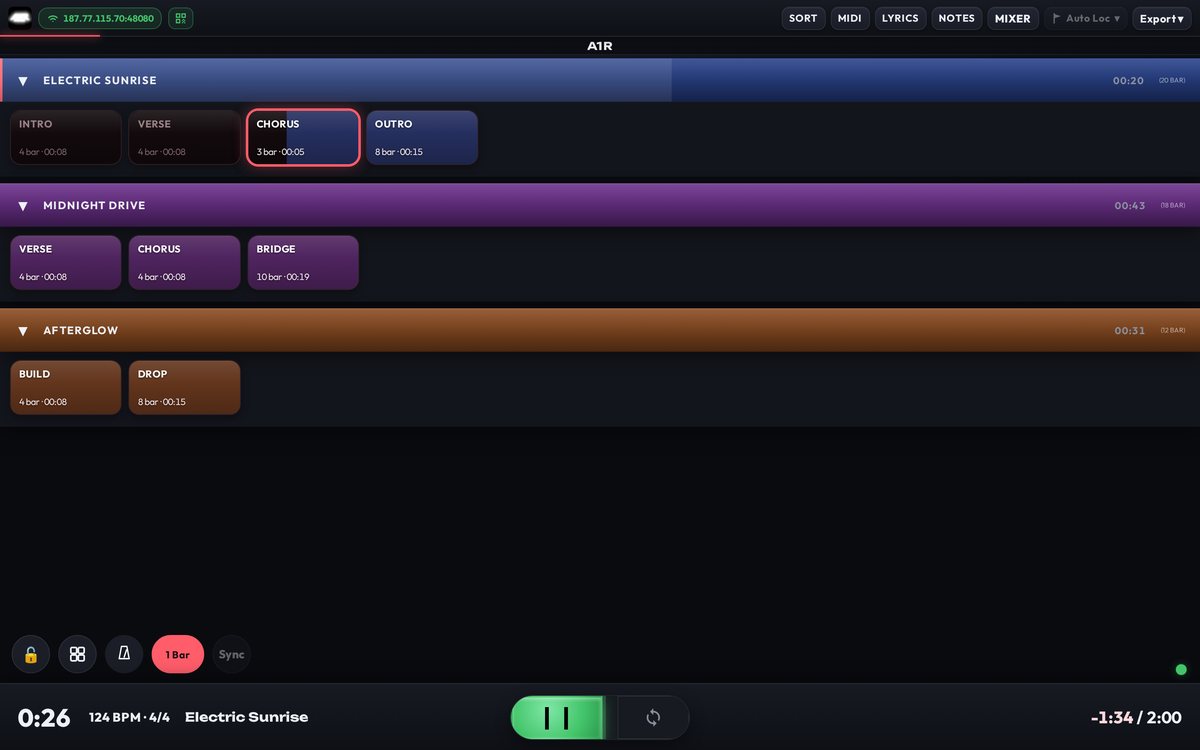
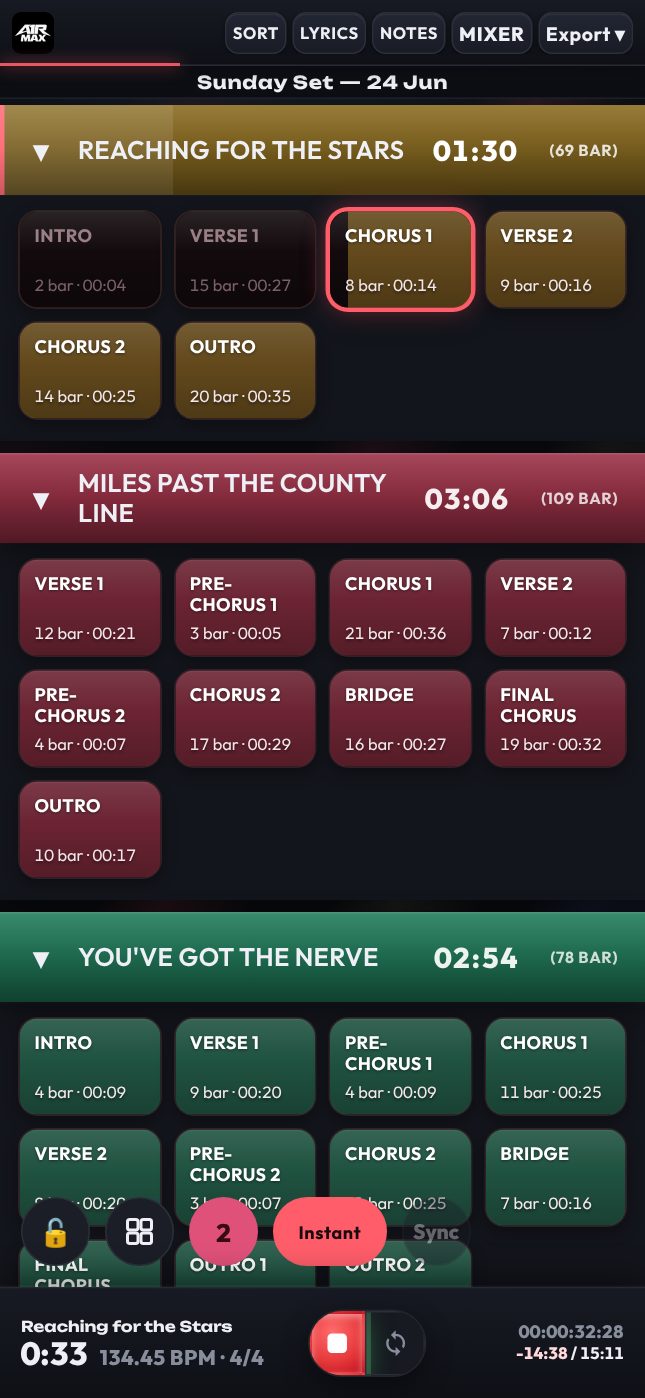
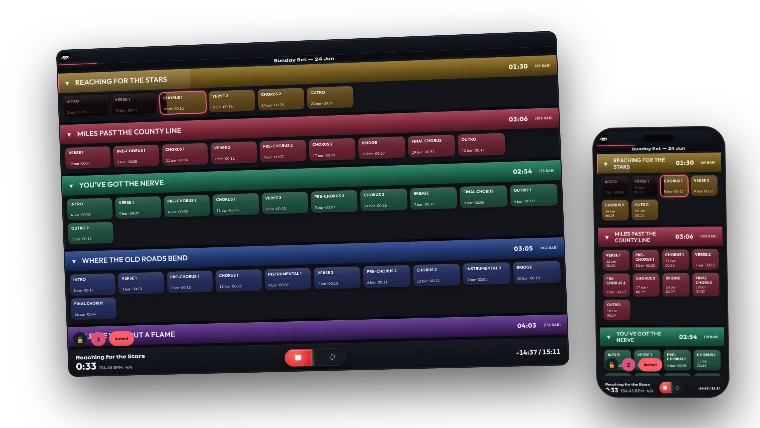
Section navigator grid
SECTION NAVIGATOR ALL TIERS

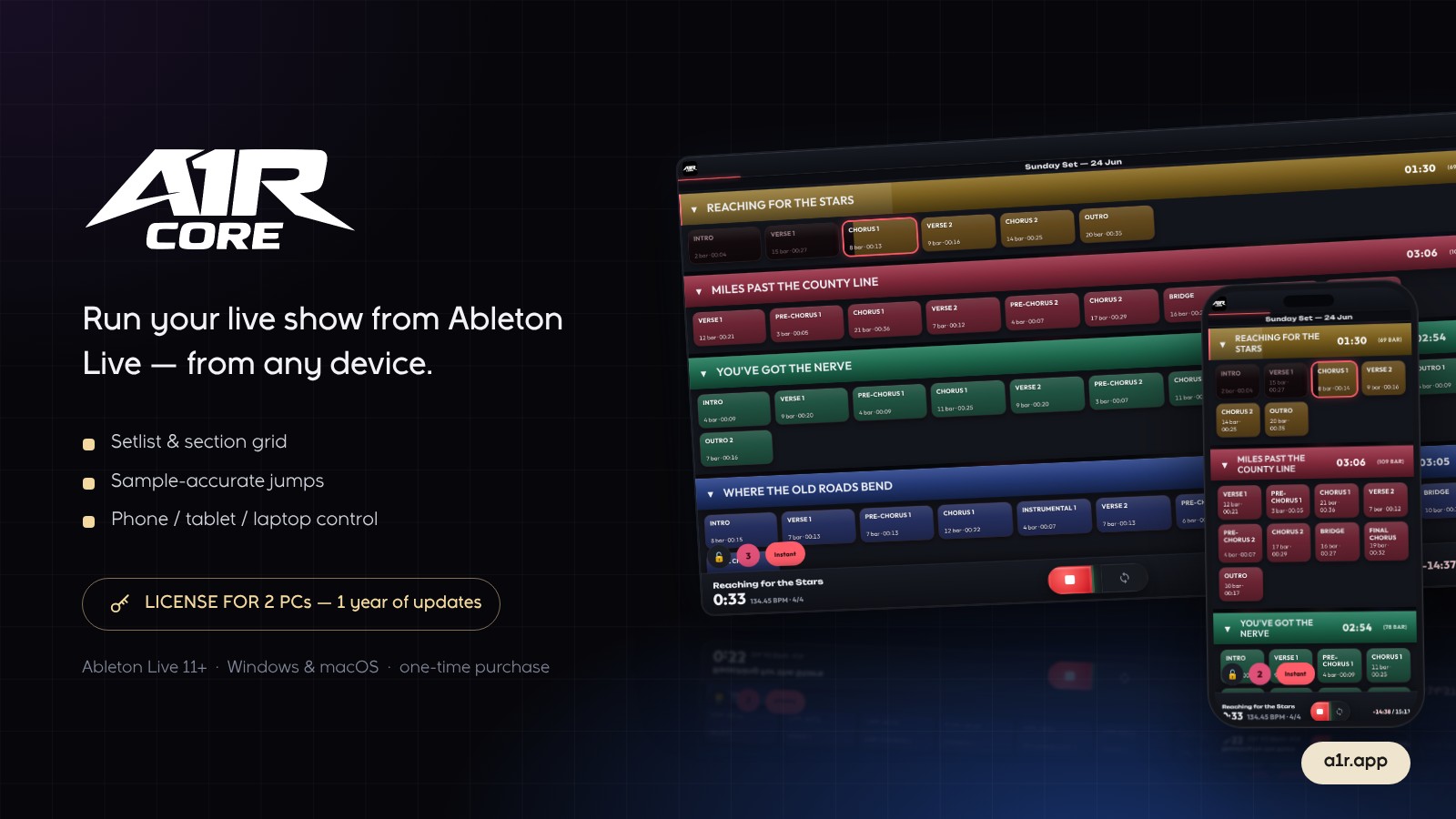
Every song & section, one tap away

Your whole set becomes a color-coded grid. Tap to jump — instantly, on the next bar, or at the end of a section.
  • Sample-accurate jumps
  • Skip, loop & transition markers
  • Live progress on the active section
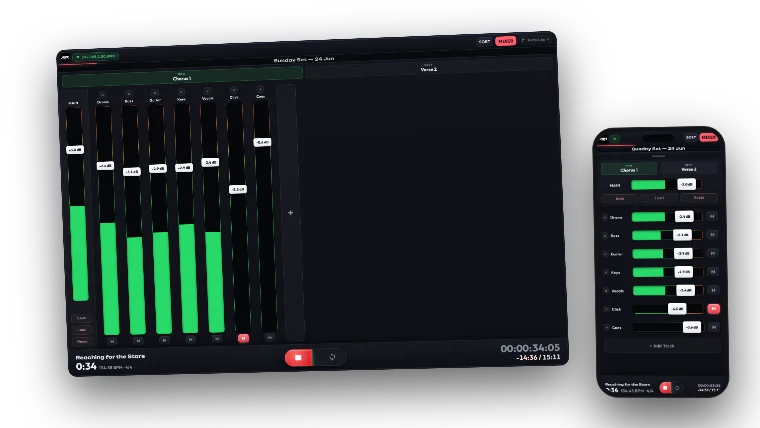
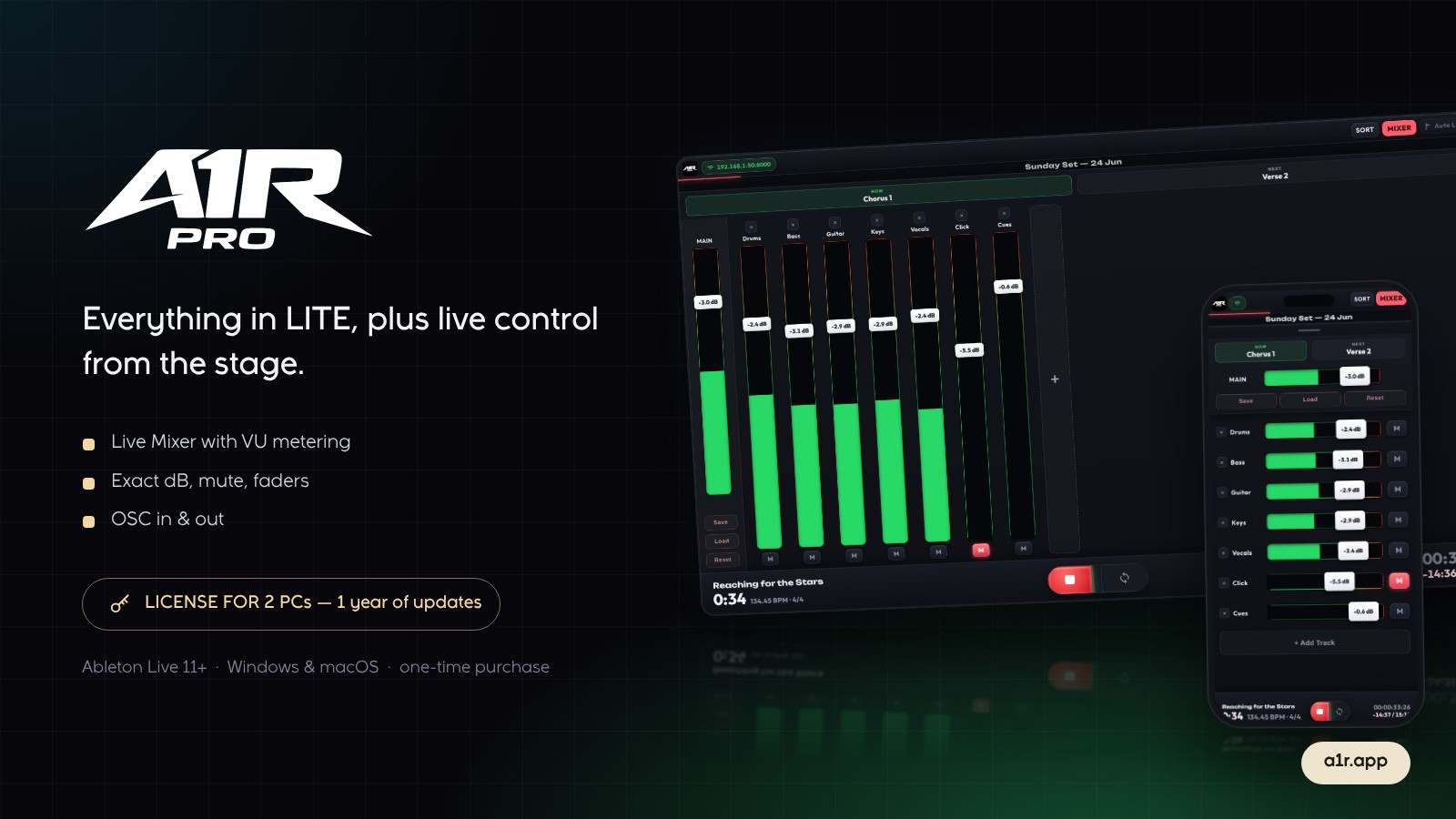
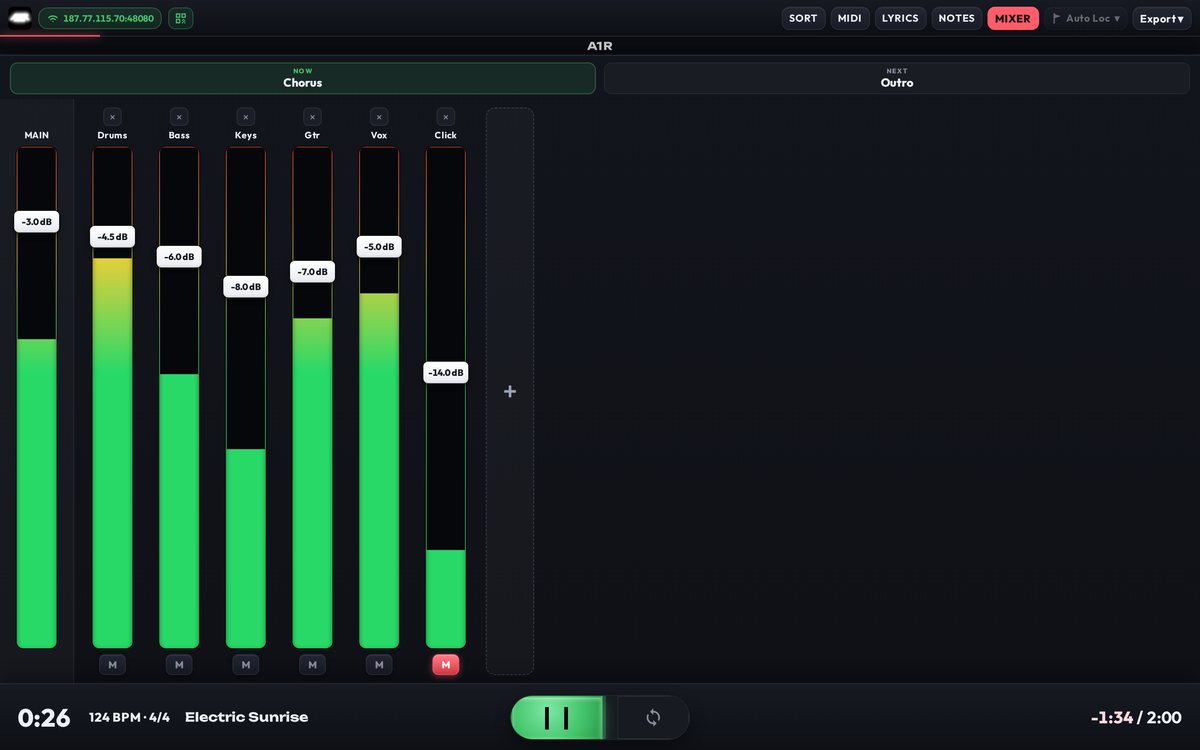
Live mixer
LIVE MIXER PRO & UP

Control your mix from the stage

Faders, mutes, and VU meters for every track, controlled from the device in your hand.
  • Per-track volume & mute
  • VU metering
  • Now / Next section header
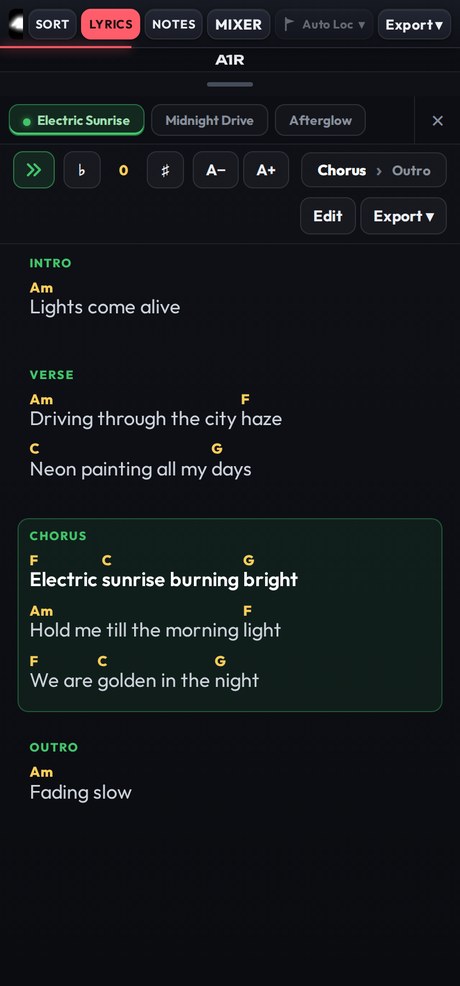
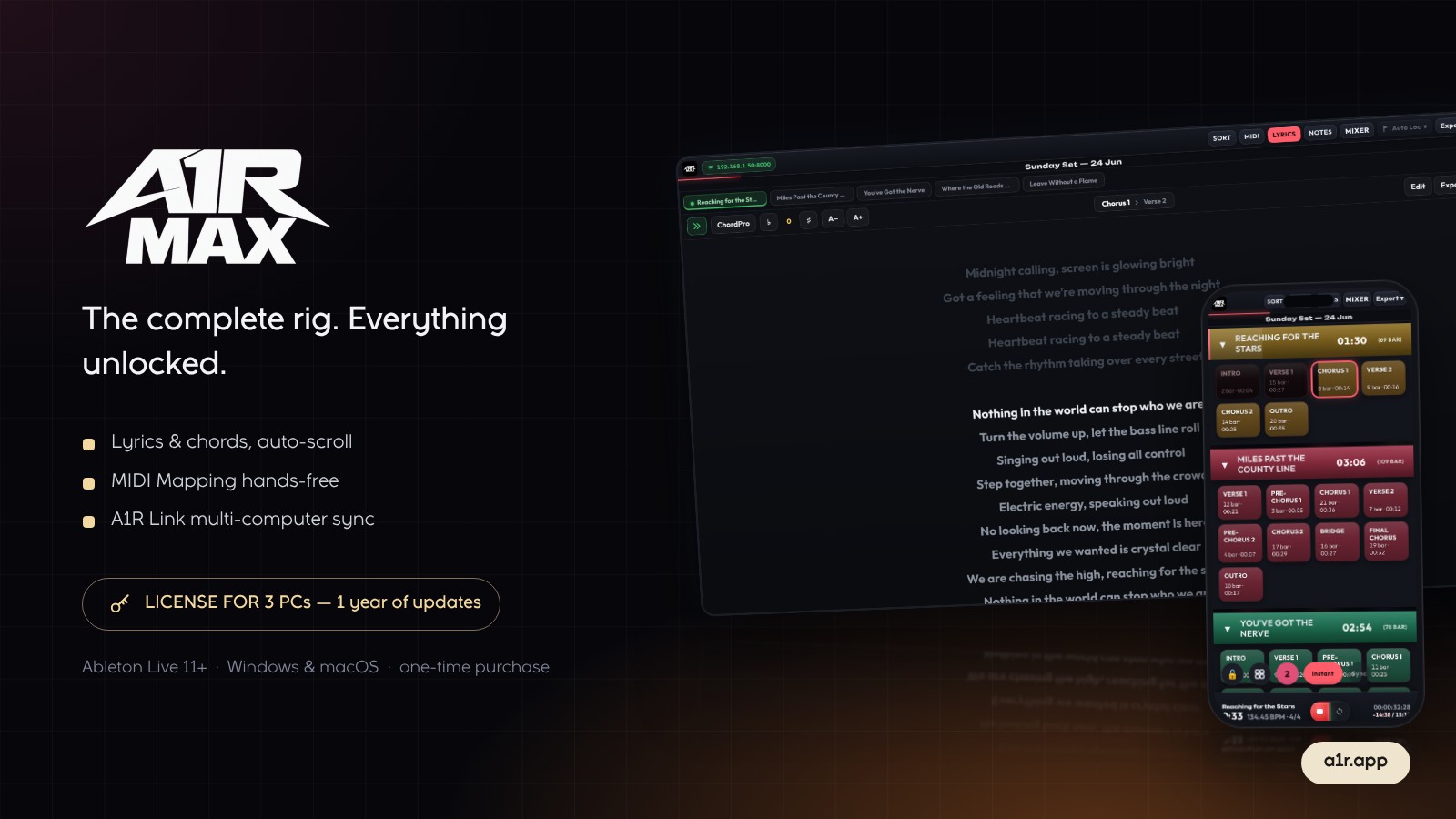
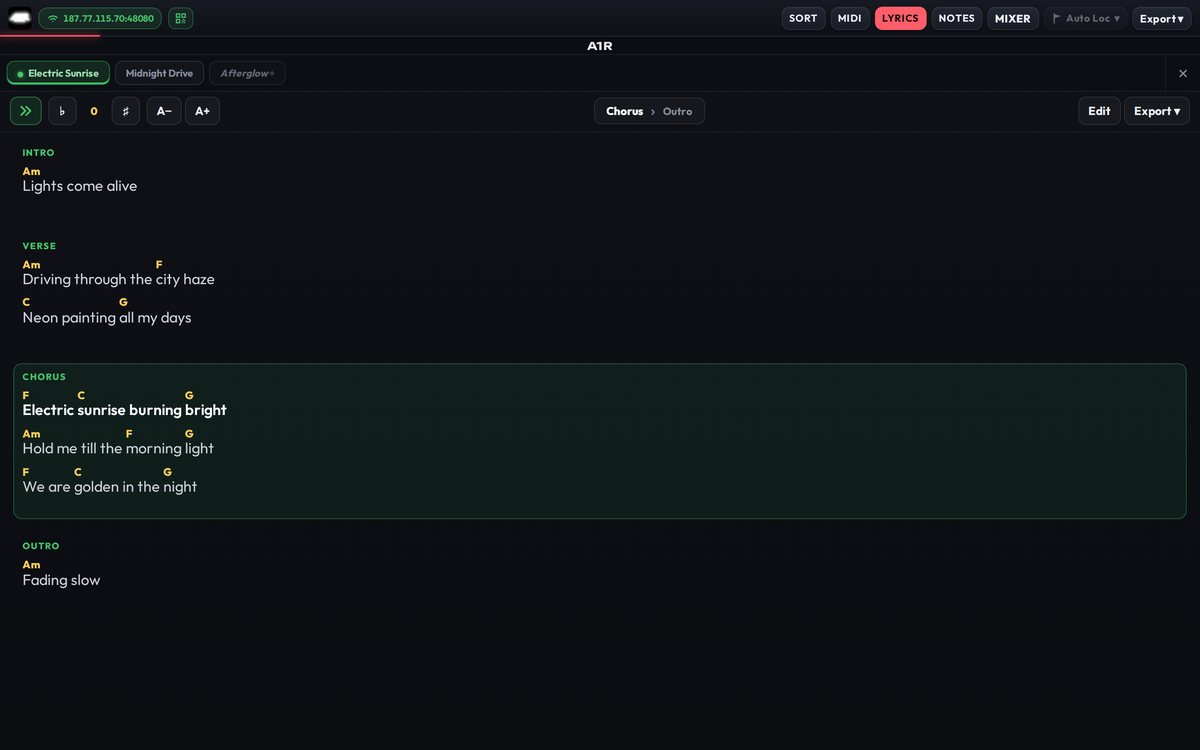
Lyrics and chords
LYRICS & CHORDS MAX

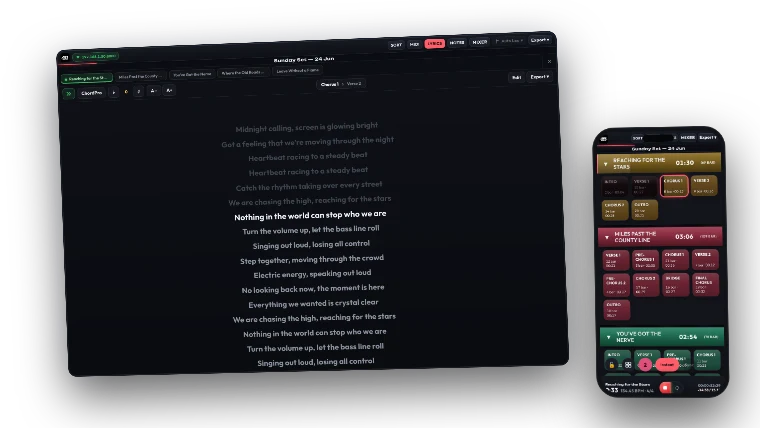
Lyrics & chords that follow the song

Time-aligned lyrics with inline chords, highlighting the section and line playing right now. Transpose instantly.

  • Auto-scroll to the active line
  • One-tap transpose
  • Per-song tabs
BUILT FOR THE MOMENT

When the lights go up, stay in command.

A1R keeps you on top of every section, loop and cue — sample-accurate with Ableton Live, reliable offline, every show.

FIVE TIERS · ONE WORKFLOW

Simple, one-time pricing.

Pay once, own it forever. Every tier runs offline after a single online activation.

A1R CORE on desktop and phone
$39
2 PC activations
  • Setlist grid
  • Phone / tablet control
Preview Buy Core
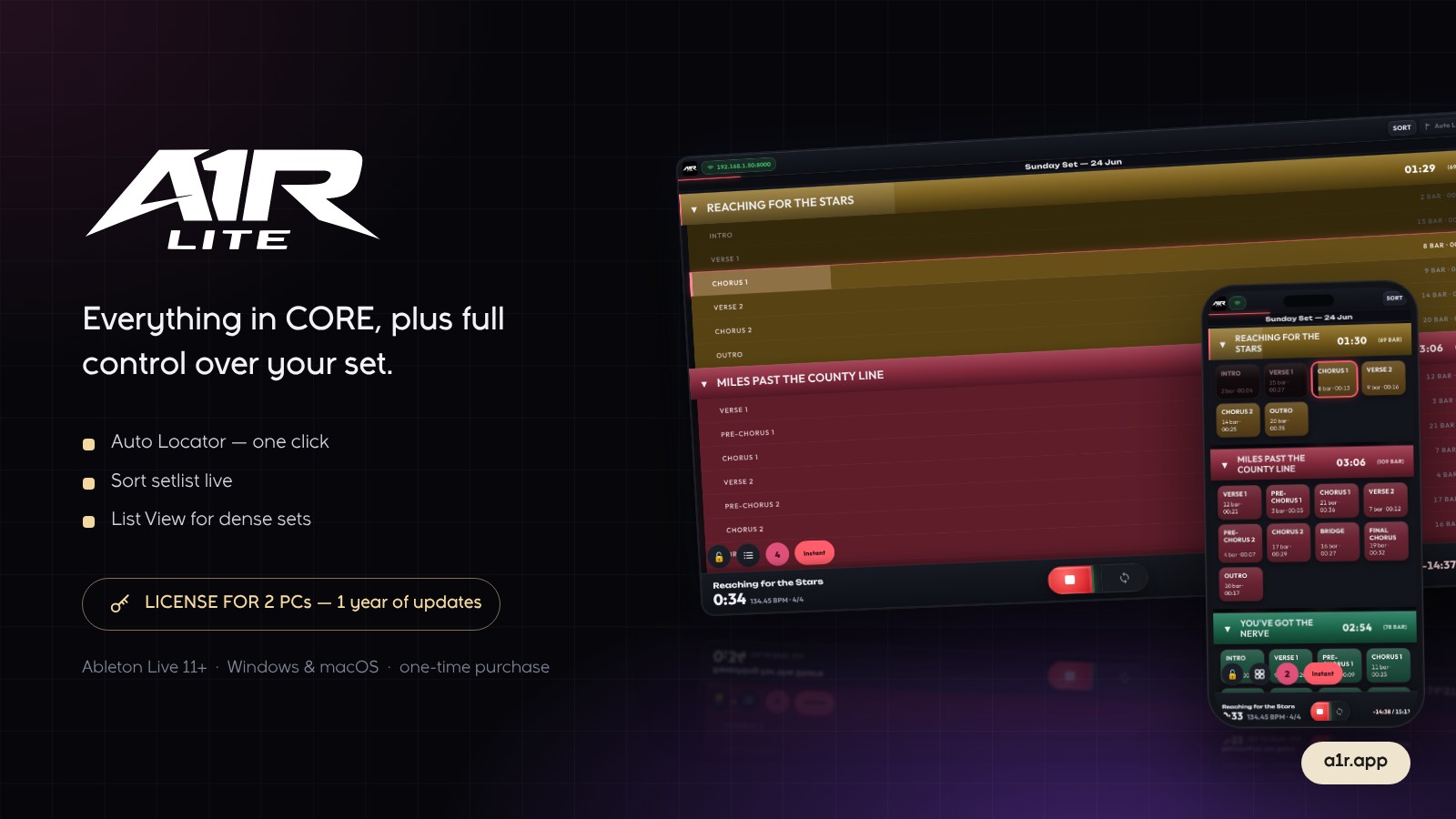
A1R LITE on desktop and phone
$69
2 PC activations
  • Everything in Core
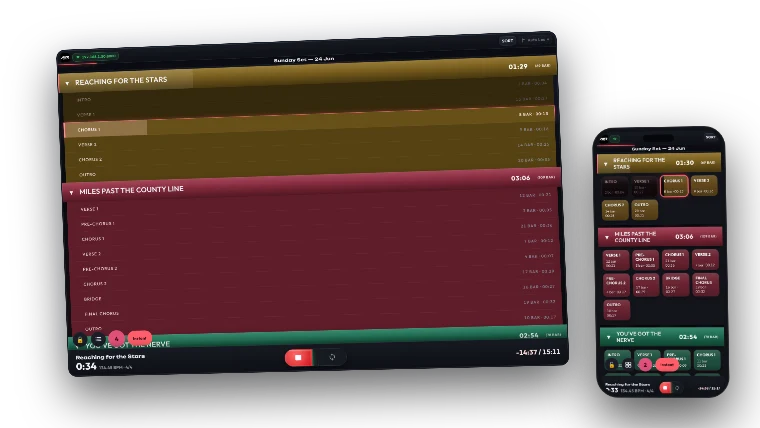
  • Section navigator
  • Auto Locator
  • Sort setlist
  • List View
Preview Buy Lite
Most Popular A1R PRO on desktop and phone
$99
2 PC activations
  • Everything in Lite
  • Live Mixer
  • OSC Control
  • Timecode display
Preview Buy Pro
A1R MAX on desktop and phone
$129
3 PC activations
  • Everything in Pro
  • Export PDF / PNG
Preview Buy Max
New Engine A1R ULTRA on desktop and phone
$199
3 PC activations
  • Split View
  • Edit View
  • A1R PITCH
  • Built on a new engine
Preview Buy Ultra
AT EVERY PERFORMANCE

From orchestra to stage, A1R stays in control.

Music director, band, or soloist — A1R MAX keeps every cue, section, and song at your fingertips, on the device already in your hand.

FAQ

Frequently asked

What do I need to run A1R?

Ableton Live 11 or newer on Windows or macOS. A1R installs as a Control Surface plus a small standalone server. You control it from any browser — on the same PC, or a phone/tablet on the same Wi-Fi.

Is it a subscription?

No. A1R is a one-time payment. You own your tier forever, including offline use.

Do I need internet to use it live?

Only once, to activate your license (Core needs no key at all). After that A1R runs completely offline — safe for gigs with no Wi-Fi.

Can I move it to another computer?

Yes. Each paid tier includes multiple PC activations, and you can deactivate a device to free a slot when you switch machines. Need longer update access? You can extend it from your account page.

How do I control it from my phone?

Connect your phone to the same Wi-Fi as your Ableton PC and open the A1R address in any browser. No app to install.

How does payment work?

Checkout is secure via Lemon Squeezy. After payment you get your download (Core) or a license key by email — enter it once in A1R to activate.

GUIDES

Learn A1R inside out

Step-by-step setup, activation, and every feature — with screenshots.

FEEDBACK & REQUESTS

Found a bug, or want a feature?

Tell us — we read every message.

GET IN TOUCH

Questions before you go live?

Tell us about your setup — we'll help you pick the right tier and get you running in minutes.